 Practice Harbor
Review and approve
Nothing lands on your calendar without you. Requests arrive in Inquiries; accept one and the client is created, their portal invitation goes out, and intake starts. Decline when it isn’t a fit.
A public booking page and a widget for your own website. Prospective clients request a time, you approve it, and accepting creates the client, sends the portal invitation, and starts intake.
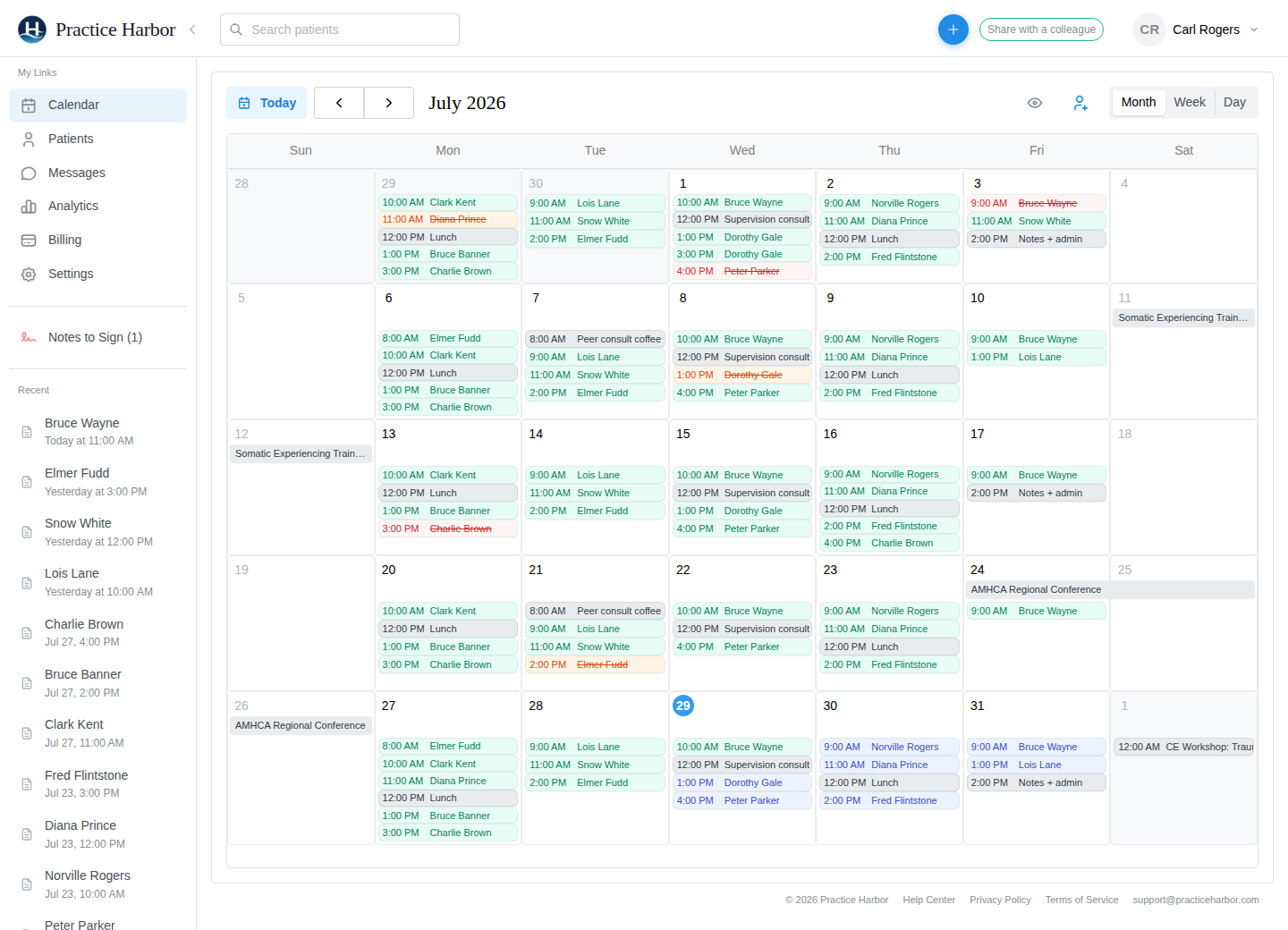
Nothing lands on your calendar without you. Requests arrive in Inquiries; accept one and the client is created, their portal invitation goes out, and intake starts. Decline when it isn’t a fit.
Your public booking page lives at your practice’s portal address, and a button widget embeds it on your own website. Existing clients request through the portal instead.
Set bookable hours, block time off, and let Google Calendar sync remove the slots your personal calendar already takes. Clients only ever see times that are really open.
Ask the questions you need answered before you accept a request. The answers arrive with it.
In a group practice, pick which clinicians appear on the booking page and accept new clients; everyone else keeps requests to their existing caseload.
Set a notice window of 24, 48, or 72 hours. Clients can cancel a confirmed appointment from the portal until the window closes; after that they contact you, and the policy line appears where they book.
From the help center, written for the people who use it every day.
No, by design. They request a time and you approve it, so a new client never appears on your calendar before you have looked at the request.
Yes, from their portal, under a switch that is yours alone. Requests from new prospects are a separate, practice-wide setting.
Yes. Embed the booking button on your site, or link straight to your booking page. You can also publish a simple practice website at your portal address with no separate host.
Yes, when you allow couples requests. Everything else about couples sessions, including cancellations, still comes through you.
More answers in the help center.
Try every feature free, with no credit card. Your Business Associate Agreement is signed the moment you create your account.
Start free trial